

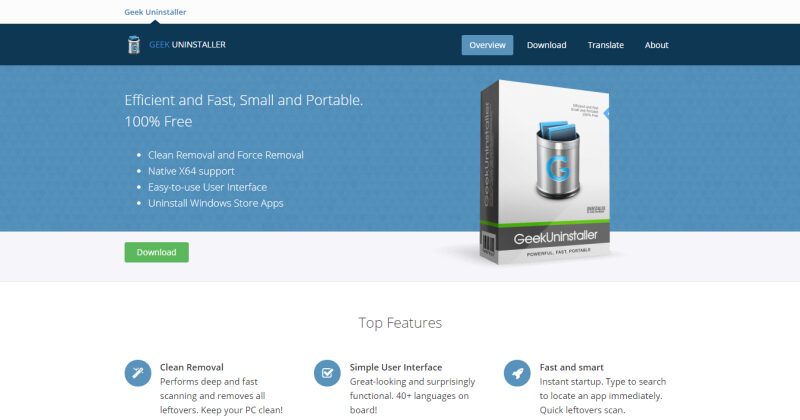
Windows, by default, includes its own program uninstall tool, but Geek Uninstaller has some additional advantages. This tool will make it much easier to add new applications or delete the ones we have stopped using.
With the Windows operating system we can install and uninstall a large number of programs. There are programs that do exactly the same. The advantage of the latter is that delete temporary files and registration that a program leaves behind when it is installed. The problem lies in the fact that most of them are paid and some do not work very well.
This is where our little giant: Geek Uninstaller. It is an application portable no larger than 3 MB which allows you to uninstall programs, remove residual files and clean the registry of this uninstalled application.
Some features of Geek Uninstaller are as follows:
Clean disposal
Performs a deep and fast scan. Removes all residual files after uninstallation - keep your PC clean!
Simple user interface
Very attractive and surprisingly functional.
Fast and smart
Instant start. Type to search and locate an application immediately. Fast scanning of leftover records.
Force deletion
Use Force Removal for failed programs or programs that won't uninstall.
Uninstall apps from the Windows Store
Uninstall applications from the Store Windows on Windows 8 / 8.1 / 10.
Laptop
Single, small EXE, which runs on any 32-bit and 64-bit Windows.
It is tiny in size, available in a huge number of languages and has the advantage of not requiring installation. This is the reason that allows us to carry it on a card. microSD or USB flash drive. The free version is good, but the Geek Uninstaller Pro includes some interesting options.
Image: Geek Uninstaller







 Español de Colombia
 English
 Português do Brasil