

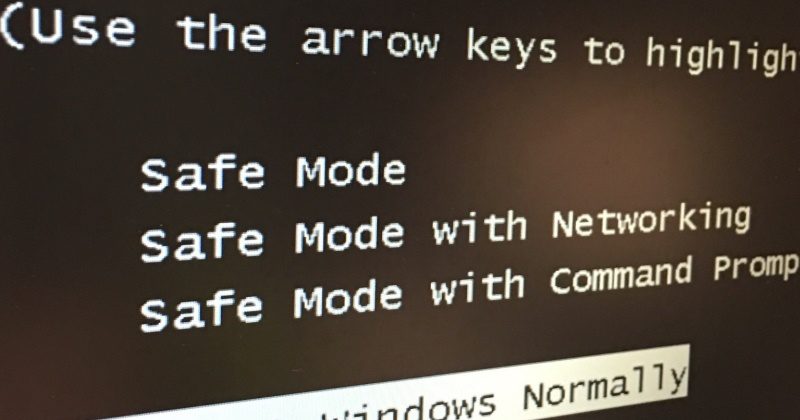
We have all, more than once, had our hearts stopped when our PC screen turned blue or black. Safe mode in Windows, comes to save us from the worst news, not being able to log in.
Safe mode in Windows is a boot alternative, which can get us out of trouble to repair the operating system. In addition to helping us to uninstall programs, restore the system or perform other advanced tasks.
From Windows 95 to Windows 7 booting into safe mode is easy. It is just a matter of restarting or turning on the computer and without stopping. constantly press the F8 key of our keyboard, until a black screen with white letters is displayed.
I remind you that in order to enter any of the options in the safe mode You must have advanced knowledge of Windows.

Possible problems with safe mode in Windows
The disadvantage arises when we want to use this mode from our Windows 8, 8.1, 10 or 11. There are several ways to do this, but the most convenient and easiest of all is by downloading BootSafe. This is a free and portable application, It is only a matter of downloading it, running it as administrator. Then select the mode we want to enter and click on the “Restart Windows” button.”
BootSafe gives you the option to start safe mode from the F8 key, With the above, we avoid having to deal with complex methods to start the safe mode of our current operating system.
Image: Pexels








 Español de Colombia
 English
 Português do Brasil