

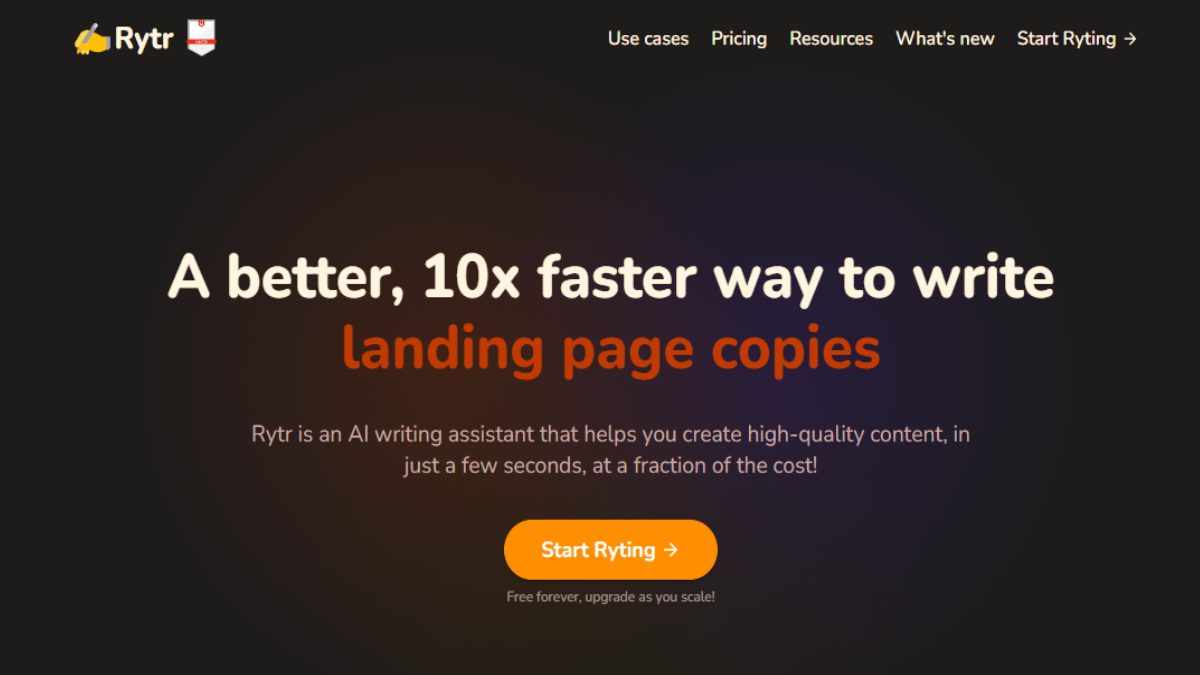
On many occasions we need a translator to communicate with other people if we are not fluent in a language. Rytr It was designed with this intention, to be a tool that generates quality content in a little more than 30 languages.
With Rytr's virtual assistant you will have the possibility of writing a document in another language. Email, your social media bio, product description, SEO titles, testimonials, calls to action and many more things in just a few seconds.
All this online service comes with the help of a Artificial Intelligence (AI) and it has several levels, one free and two with paid plans. We also want to point out that it's very easy to use.
How to use Rytr?
It is a very easy to use application. To start, you must press the Start RytyngIf this is your first time logging in, you must select the option to register with email or a social network. You'll then be shown a tutorial, which is the same one you'll find in this post.
A new window will then open, in which you must select the language the AI will use. Then, select the tone of your writing, such as enthusiastic, funny, critical, or even inspirational, among the various options. Next, select the case or objective of the text.
Depending on the objective of the text, you will need to write some keywords of what the writing will be about. Now you just have to choose whether the artificial intelligence of Rytr It will show you one or more results. Finally, you press the button Ryte for me And in a matter of seconds, you'll be amazed at the text you see with the app.
And its price…

So far, it has three plans: a free one called Free Plan, and paid ones called Server Plan and Unlimited Plan. Their prices are $9 and $29 per month, respectively. Each plan offers benefits such as community access and even a plagiarism checker. Tell us, are you up for using this Rytr AI-powered translator?
Image: Rytr









 Español de Colombia
 English
 Português do Brasil